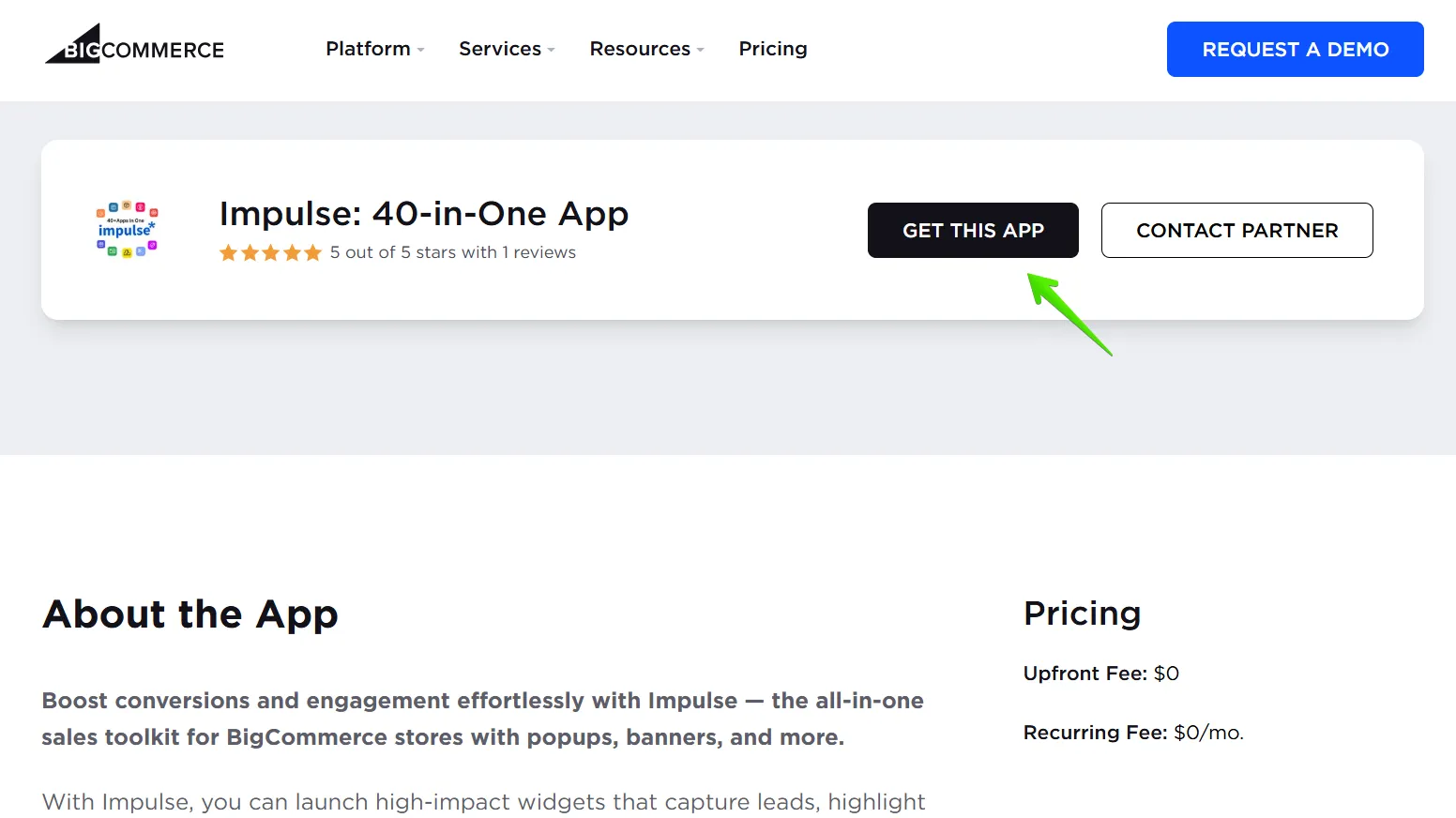
1. Go to the BigCommerce App Store, find Impulse: 40-in-One App, and click the “Get This App” button.
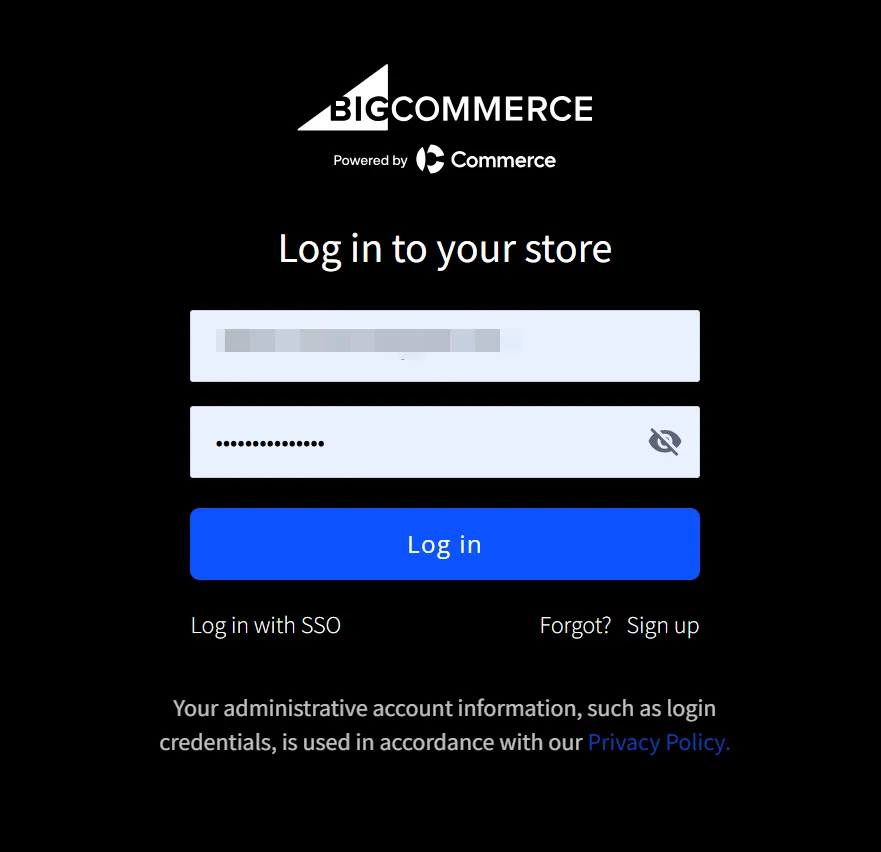
2. Log in to your BigCommerce store.
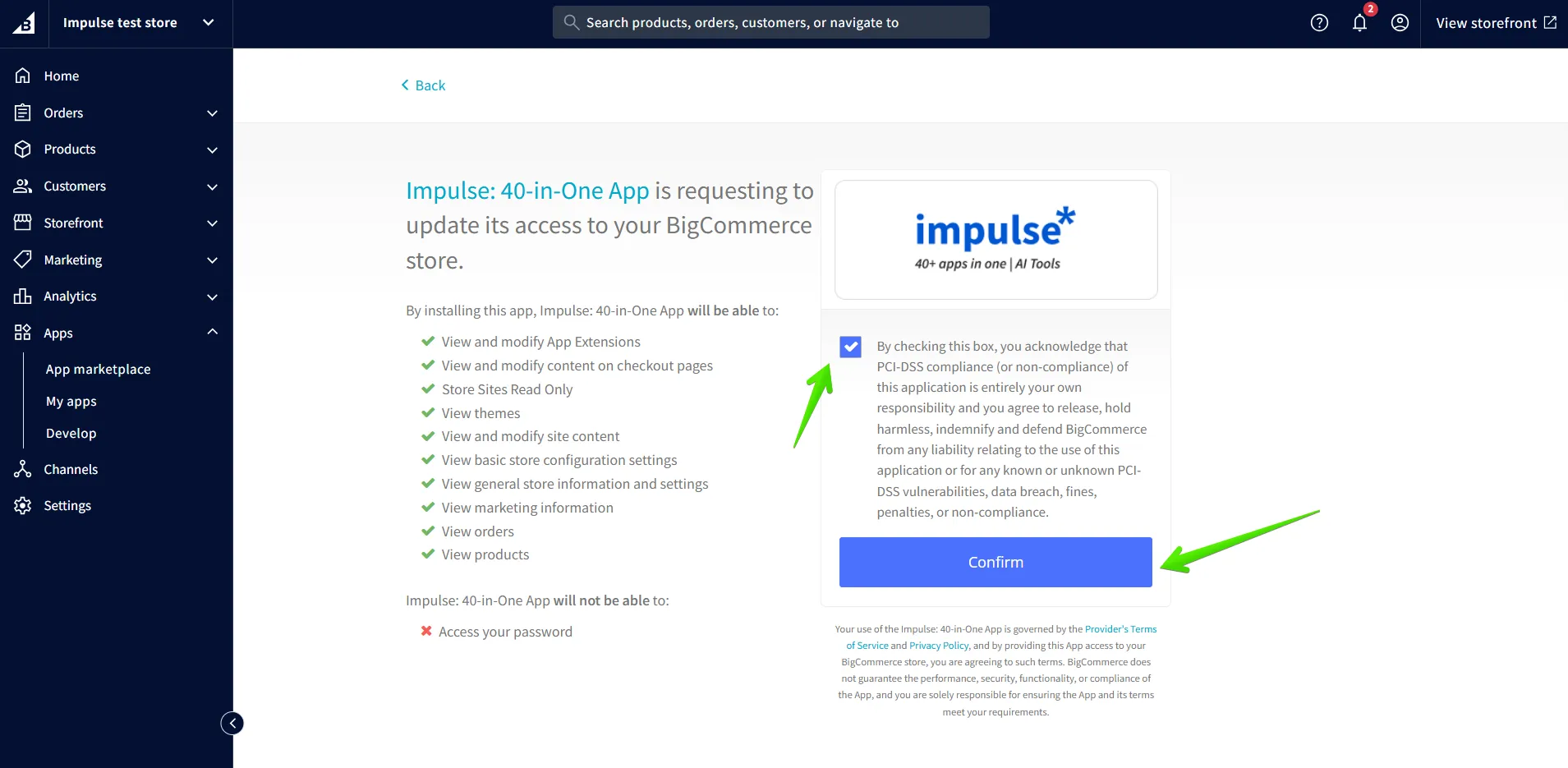
3. Then, you will be redirected to the BigCommerce store admin panel. Click on “Install”.

4. Lastly, agree with the Privacy Policy and click the “Confirm” button.
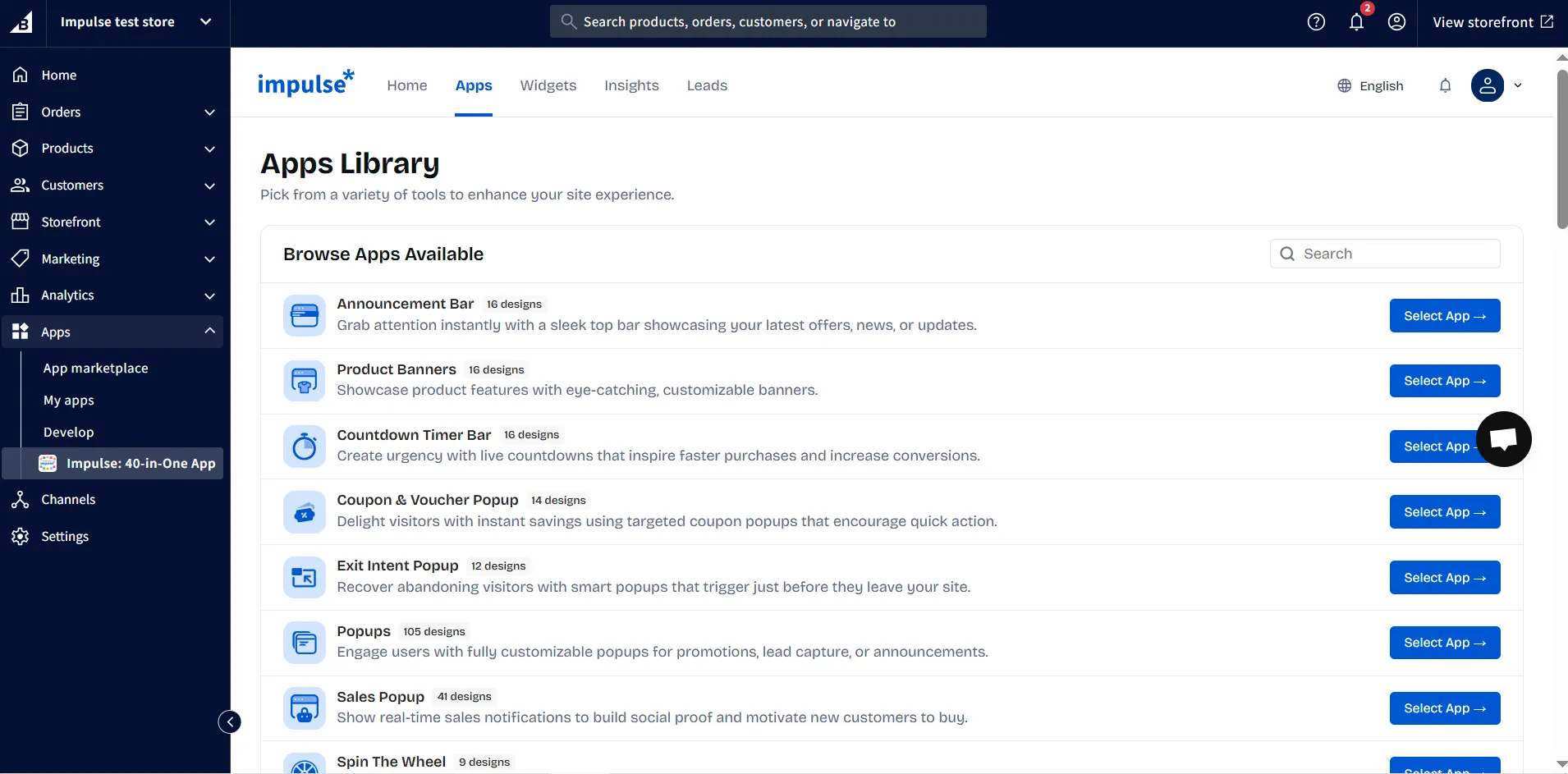
5. After installing, you will be redirected to the Impulse Apps page. Choose a template and customize it to your needs. Don’t forget to save the changes afterwards.
If you can't find what you are looking for, please contact us, and we will be happy to help.


.svg)
