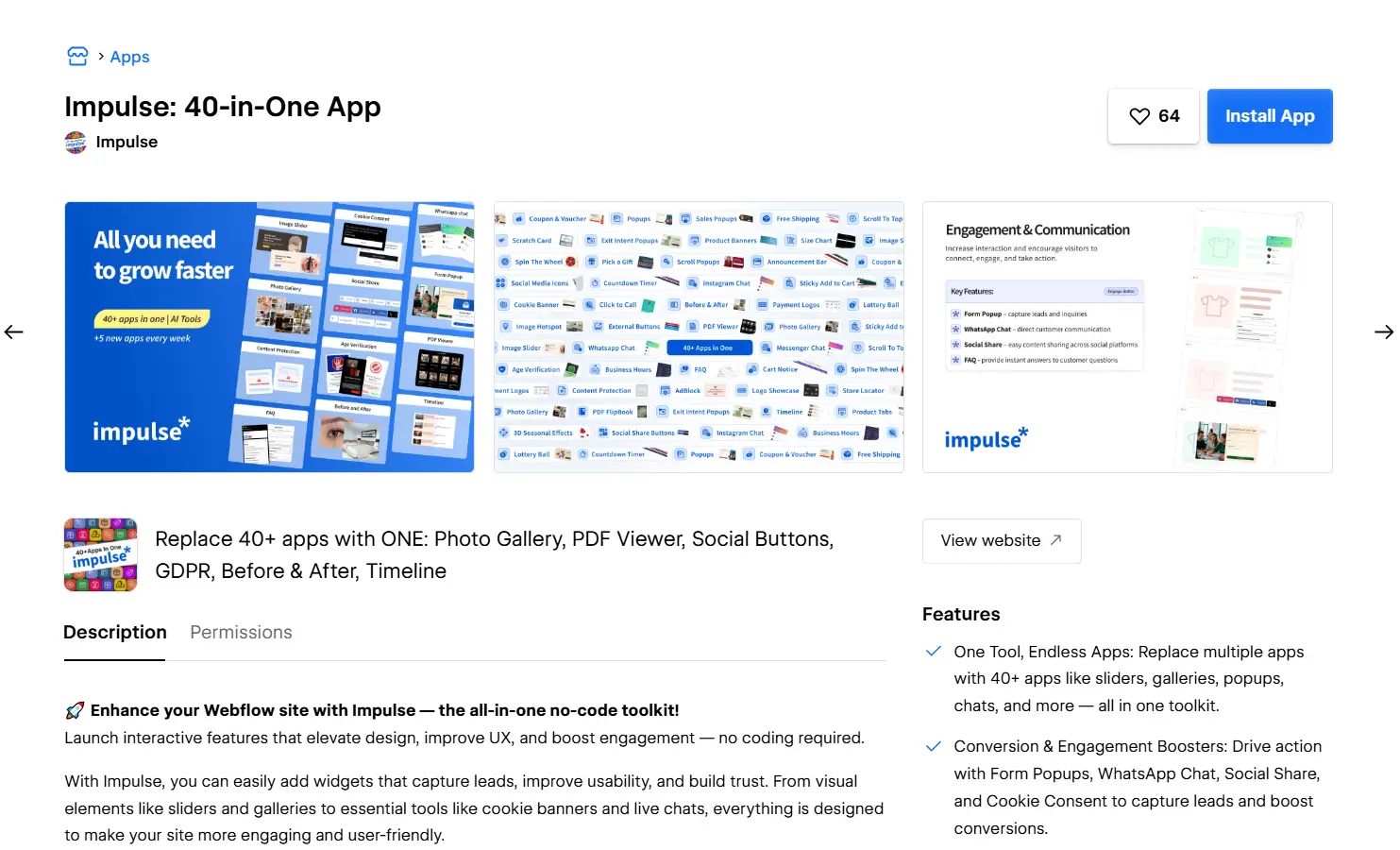
1. Begin by installing Impulse to integrate with your Webflow store.
2. You will be redirected to Webflow's signup page. Enter your Webflow credentials and log in.

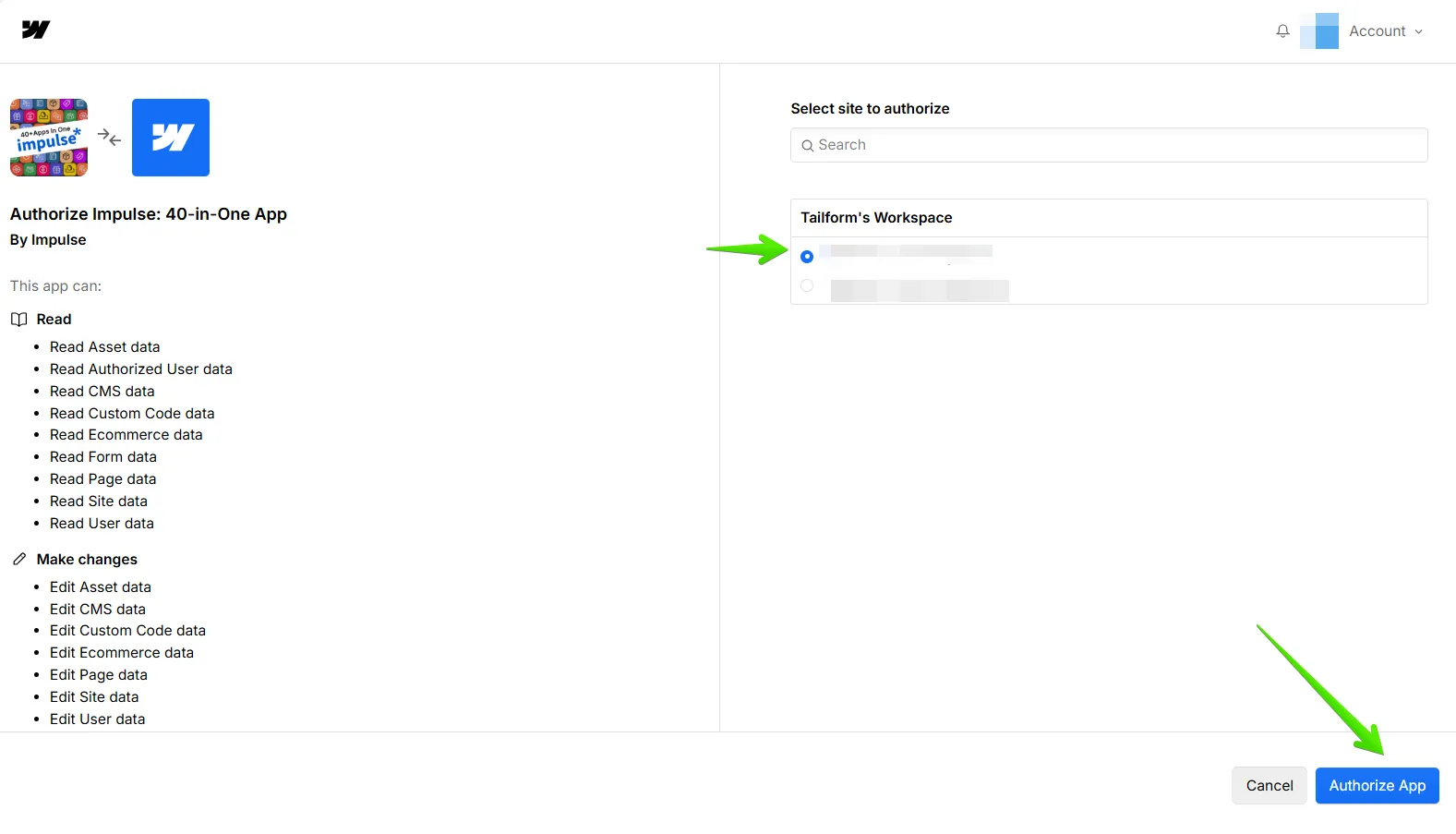
3. After logging in, you'll be redirected to the integration page. Here, choose the specific project in Webflow that you want to integrate with Impulse.
Click on "Authorize App" to initiate the integration process.
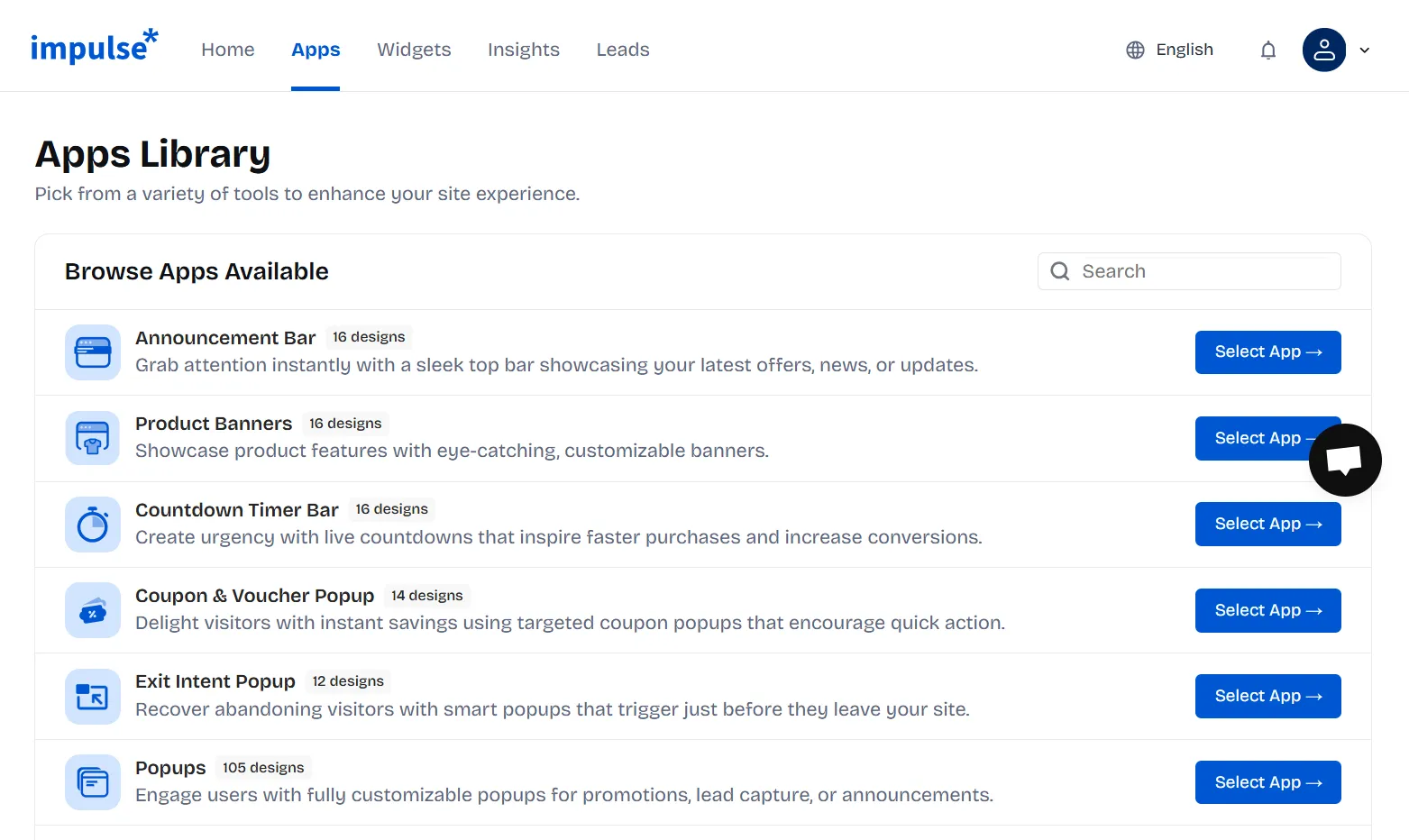
4. The Impulse script will be automatically connected, eliminating the need for any additional actions on your end. After installing, you will be redirected to the Impulse Apps page. Choose a template and customize it to your needs. Don’t forget to save the changes afterwards.
If you can't find what you are looking for, please contact us, and we will be happy to help.


.svg)