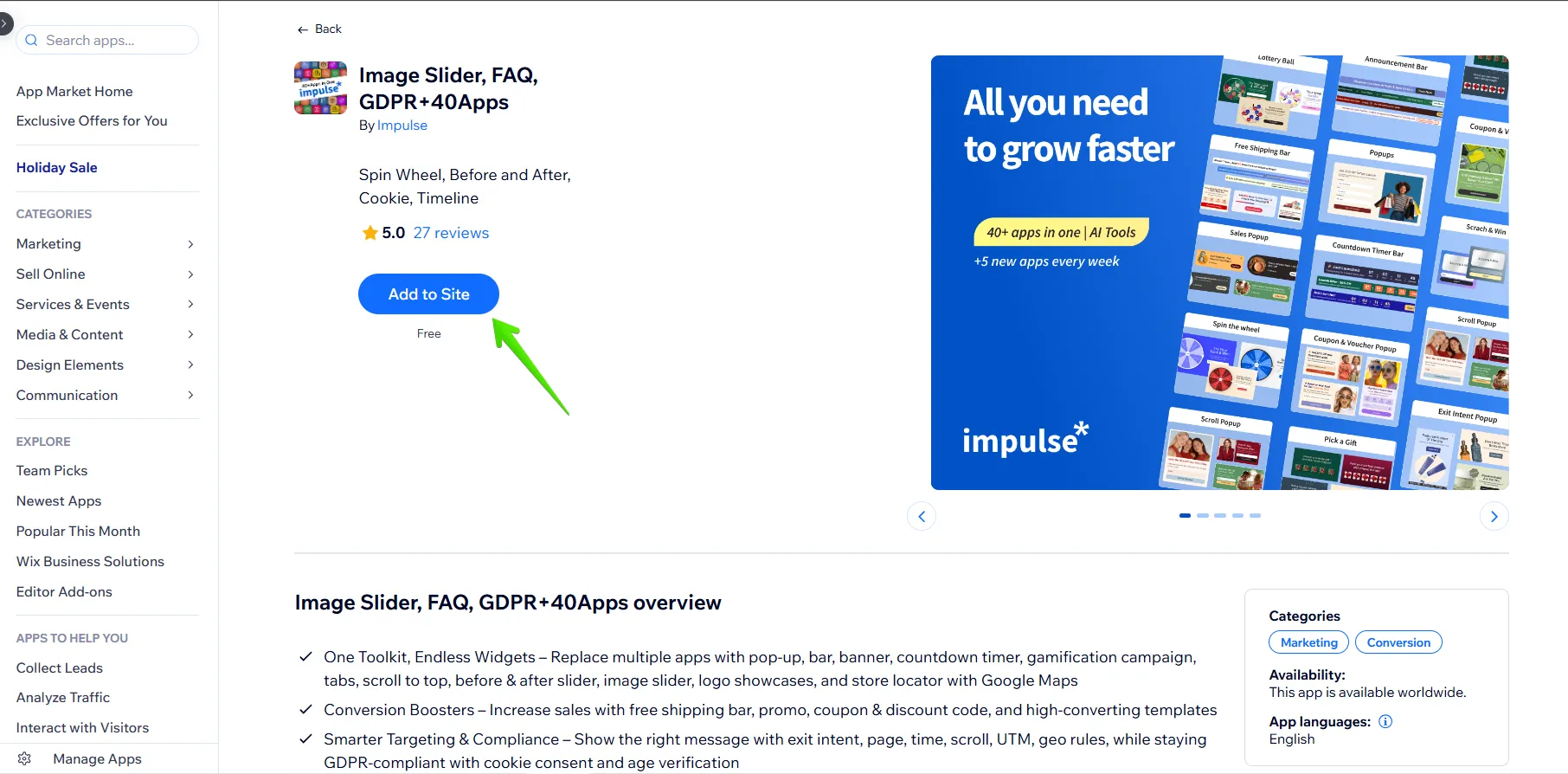
1. After signing in to your Wix account, go to the Wix App Store, find the Impulse application, and click the “Add to Site” button.
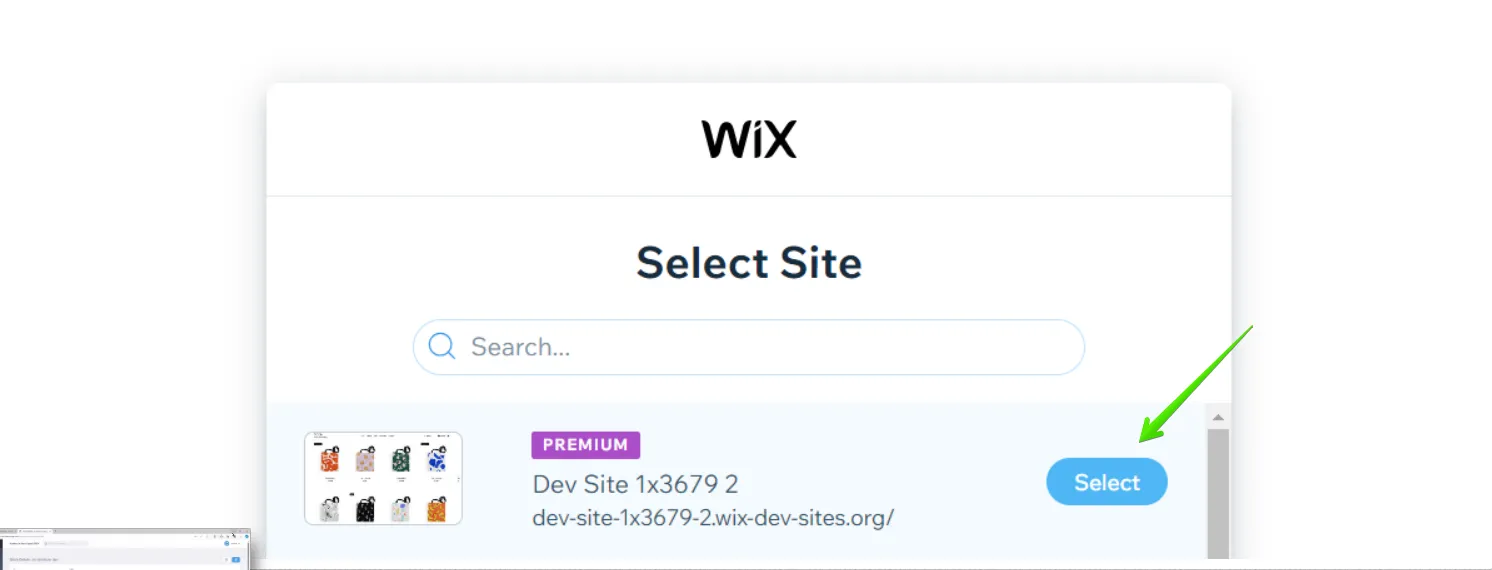
2. Select the site you want to install the App to.
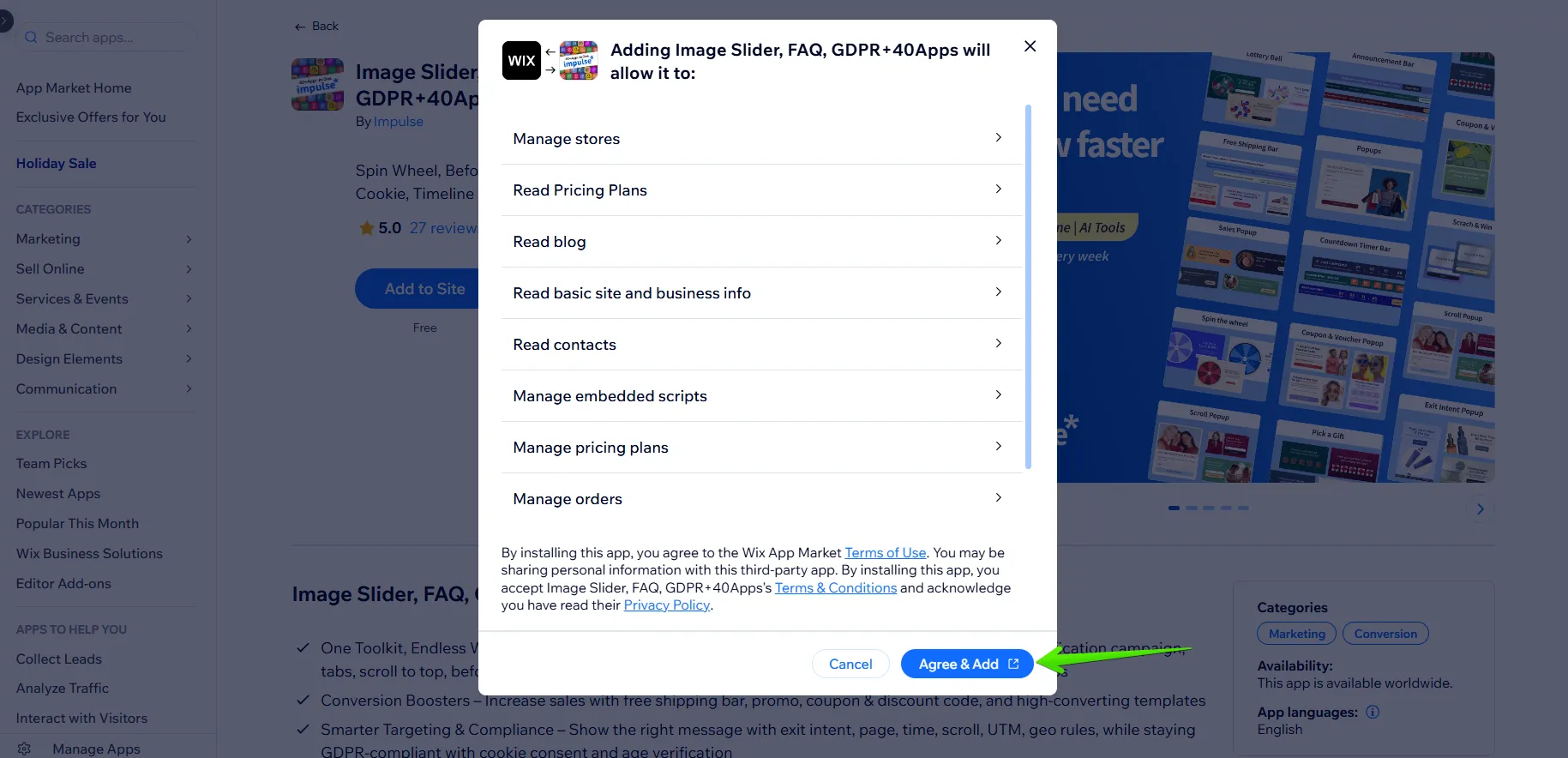
3. Click the “Agree & Add” button on the next step.
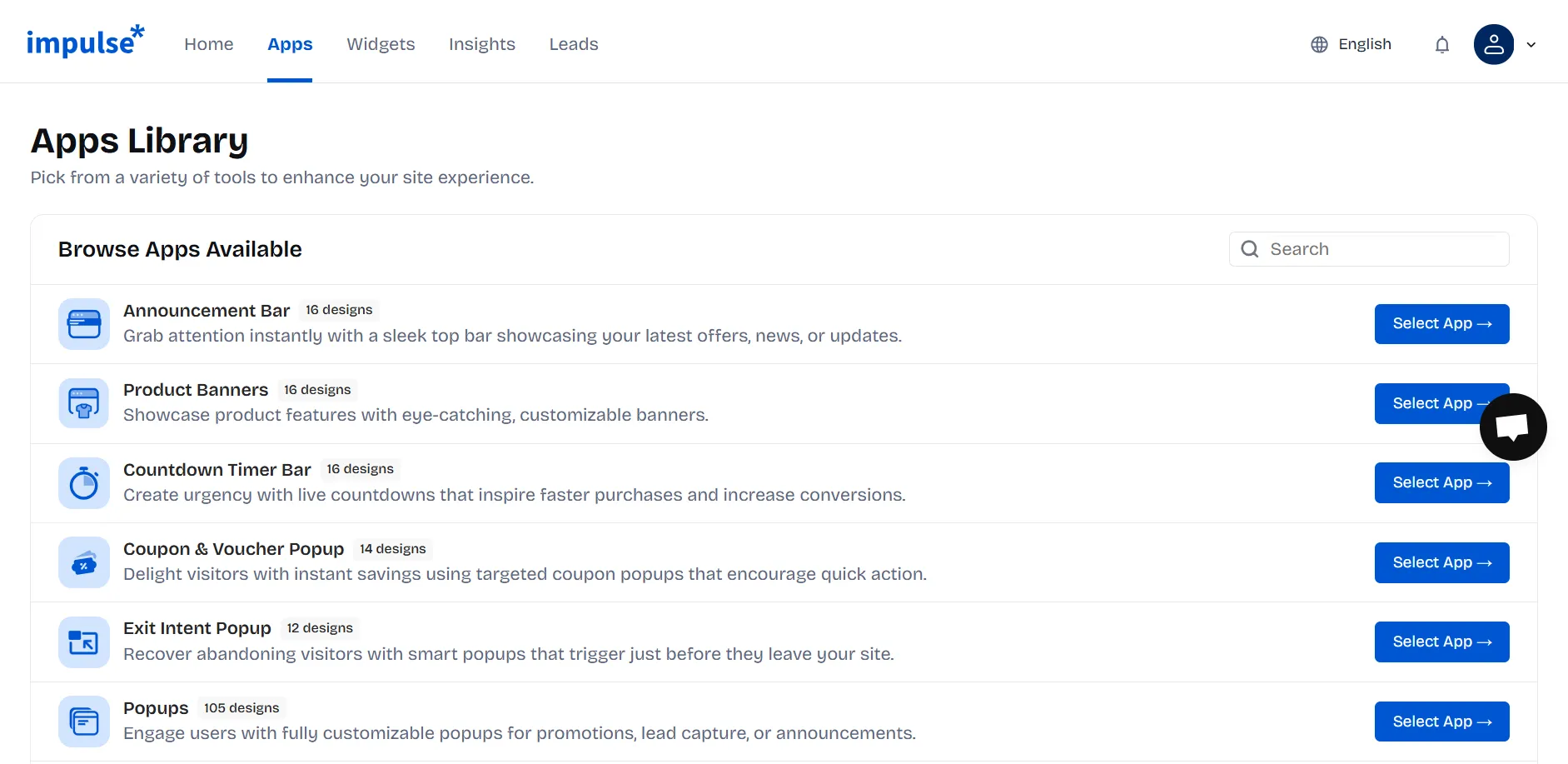
4. After installing, you will be redirected to the Impulse Apps page. Choose a template and customize your widget. Don’t forget to save the changes afterwards.
If you can't find what you are looking for, please contact us, and we will be happy to help.


.svg)