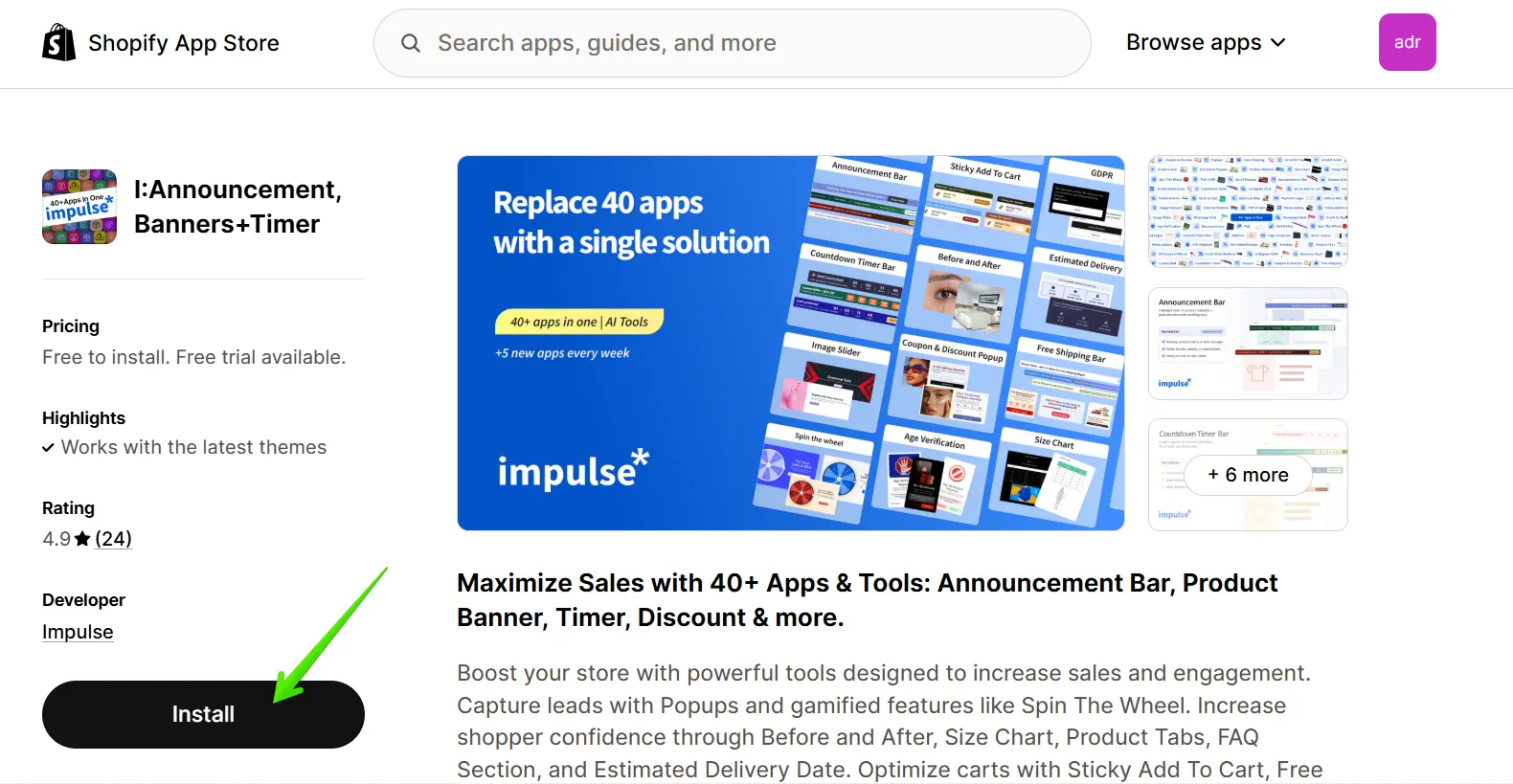
1. Begin by installing the Plum app to integrate with your Shopify store.
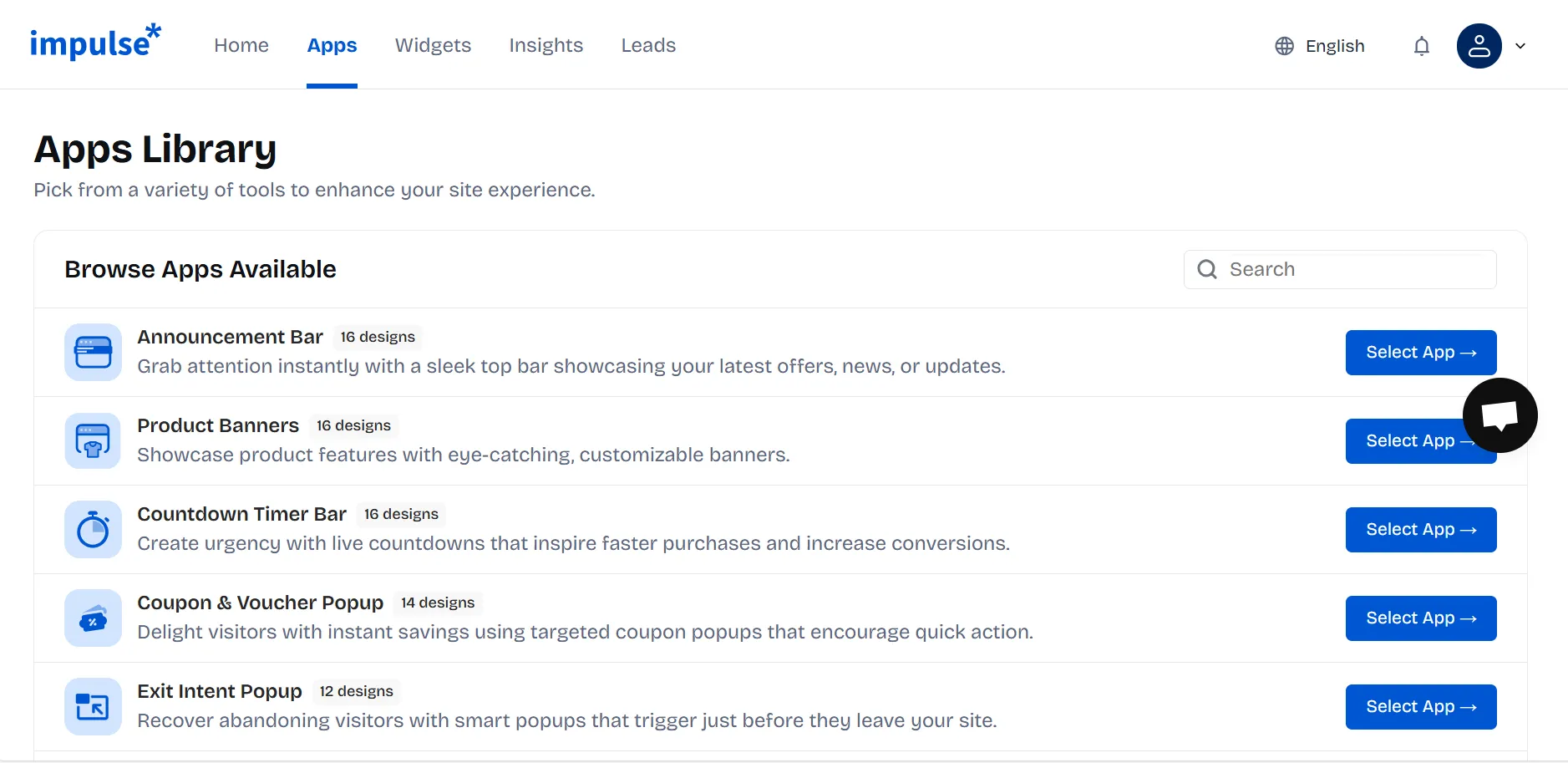
2. Once the app is installed, click on "Select App”, choose and customize your widget, and save it.
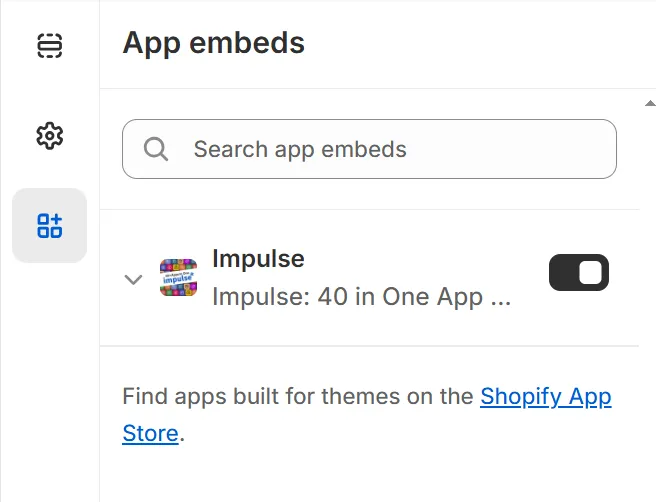
3. In the App Embeds sidebar in the editor, toggle the Impulse app switch to the "On" position.
4. Don't forget to save your changes by clicking the "Save" button.
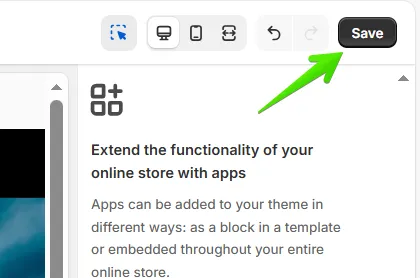
Congratulations! Your app installation is now complete, and Impulse is successfully integrated with your Shopify store.
If you can't find what you are looking for, please contact us, and we will be happy to help.


.svg)